

Make Your Project Public
To enable the Public Chatbot and integrate it into websites and other applications, yyou first need to make your project “Public.”- In your Odin AI project, go to Settings.
- Under Project Description, toggle Make Project Public.
- Scroll down and click Update to save changes.
Configure Your Chatbot
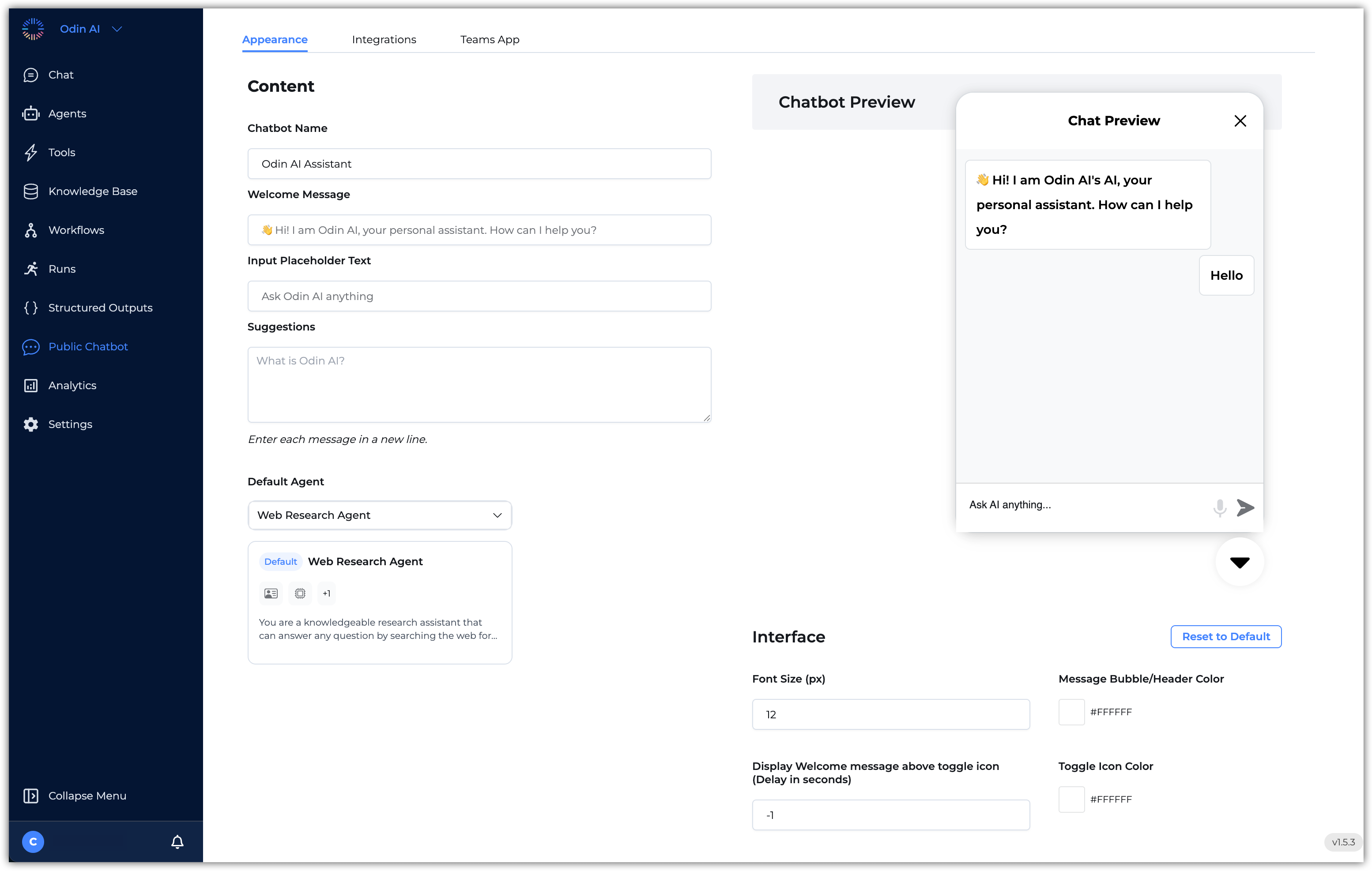
The Public Chatbot includes a range of customization options to help you stay on brand:- Chatbot Name
- Welcome Message
- Input Placeholder Text
- Suggestions
- Chatbot Appearance:
- Widget Header Image (logo)
- Font size
- Header, Text, Toggle, and Caret Background Colors
- Multiple Chats & Display Sources
- Pre-chat Attention Image and Behavior
- Toggle Button Image
- Default AI Agent Selection
For detailed instructions on customization, visit Chatbot Configuration.